
| Name | 81CC |
| Publisher | 81ccapp.pk |
| Android version | V1.1.3 |
| APK size | 10.2 MB |
| Download price | Free |
| Minimum Android version | Android 5.0 |
| RAM | 2 GB minimum; 4 GB recommended |
| Free storage | At least 50 MB |
| Languages | English and Urdu |
| Internet | Required |
| Age requirement | 18+ |
| Other access options | iPhone, iPad, and computer browsers |
Table of contents
What Is 81CC?
81CC is a new earning game in Pakistan. It offers multiple casino style games. You can browse the lobby, open a game, check offers, and manage your balance from the same account.
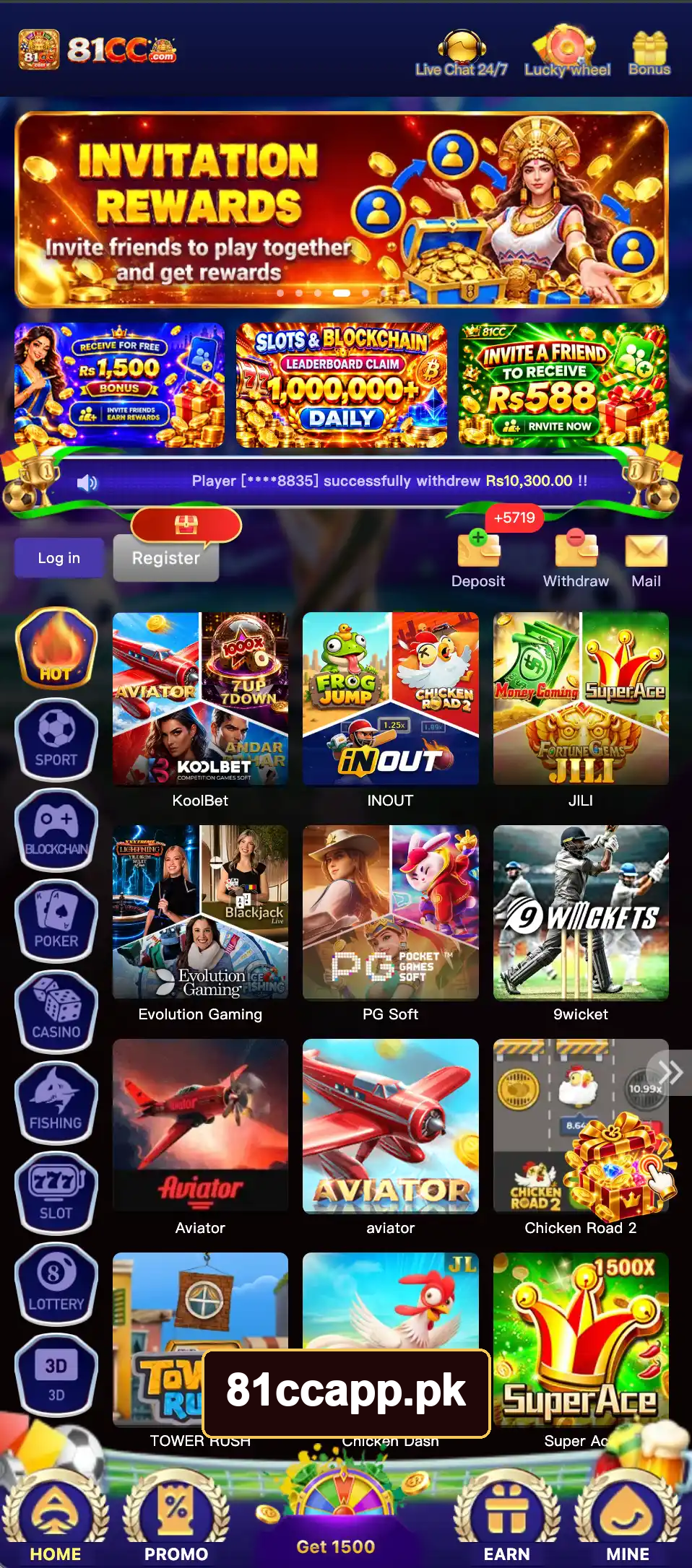
The main categories include Hot, Sport, Blockchain, Poker, Casino, Fishing, Slot, Lottery, and 3D. Each category helps you narrow the game list.
The wallet holds funds for real-money play. Deposits add money to your account. Withdrawals send available funds to a linked payment account. Playing with money carries a risk of loss, so treat it as entertainment.
81CC Screenshots

How to Download and Install the Android APK
81CC Game uses an APK file for installation on Android devices. Download the complete file before you start the setup.
- Open the 81CC official game on your Android phone.
- Choose the Android download option.
- Wait for the download to finish.
- Open Downloads in your browser or file manager.
- Tap the APK file.
- Review the app permissions and tap Install.
- Tap Open when the setup ends.
Android can ask for permission to install an app from your browser. The steps depend on your phone’s Android version.
| Android 8 and newer | Open Install unknown apps, choose the browser or file manager, and turn on Allow from this source |
| Android 7 and older | Open Settings → Security → Unknown Sources |
Turn off this installation permission after setup. Keep Play Protect enabled and avoid modified APK files.
Fix a failed installation
A damaged download or lack of storage can stop the setup. Delete an incomplete APK, free some space, and download a fresh copy. Check that your phone runs Android 5.0 or newer.
For a blocked install button, review the installation permission for the app opening the file.
Main Features and Menus
The main 81CC menus separate games, offers, rewards, and account tools. Learning these labels makes daily use easier.
| Home | Opens the game lobby |
| Promo | Lists offers under Activity and Unclaimed |
| Get 1500 | Opens the reward challenge |
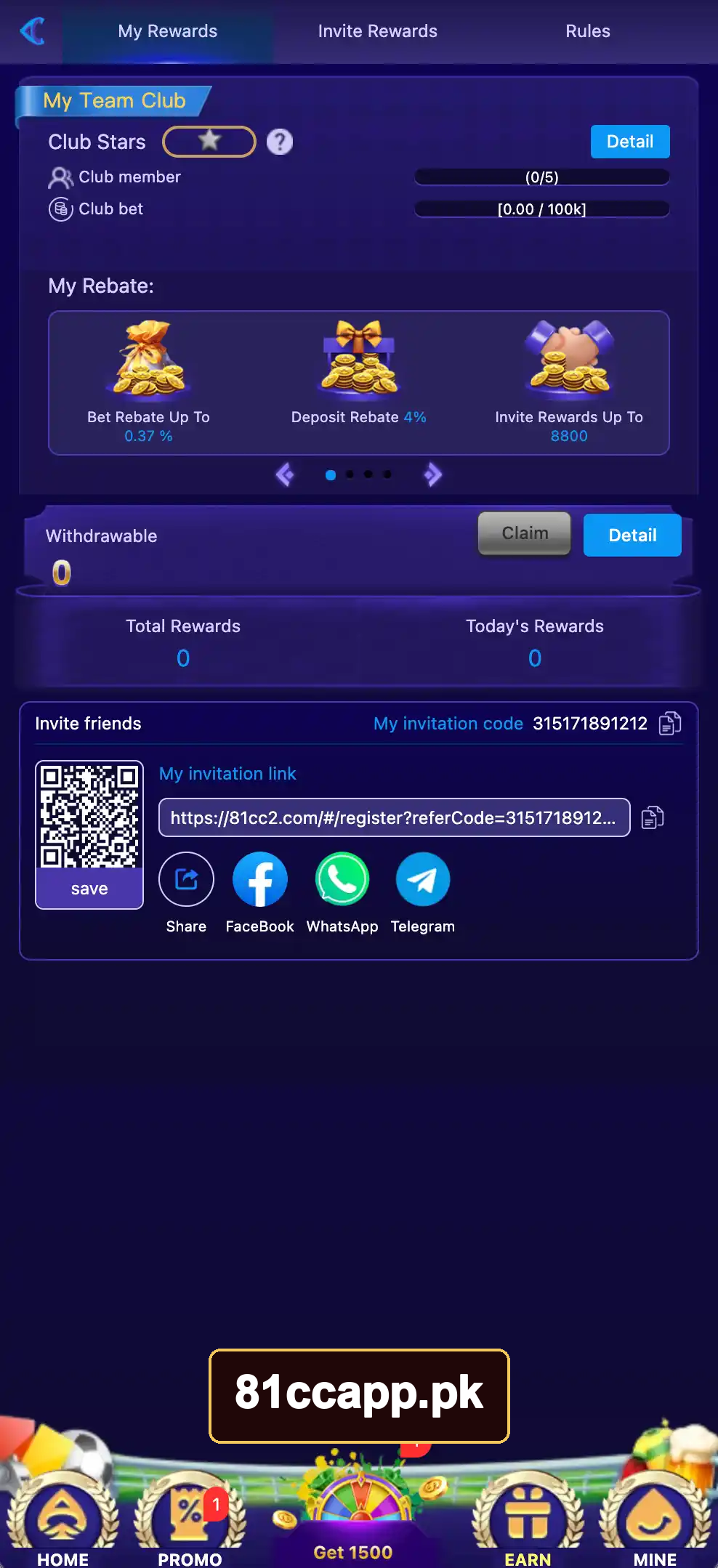
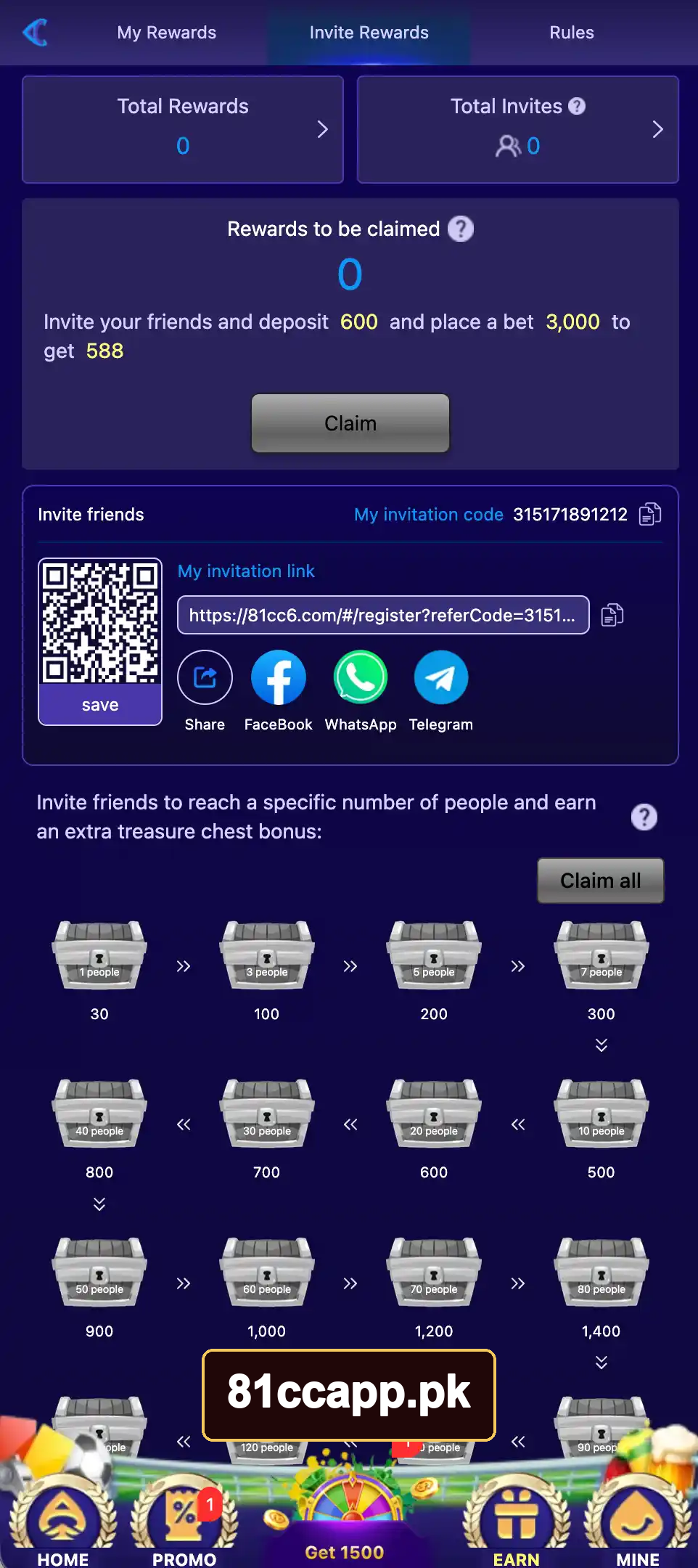
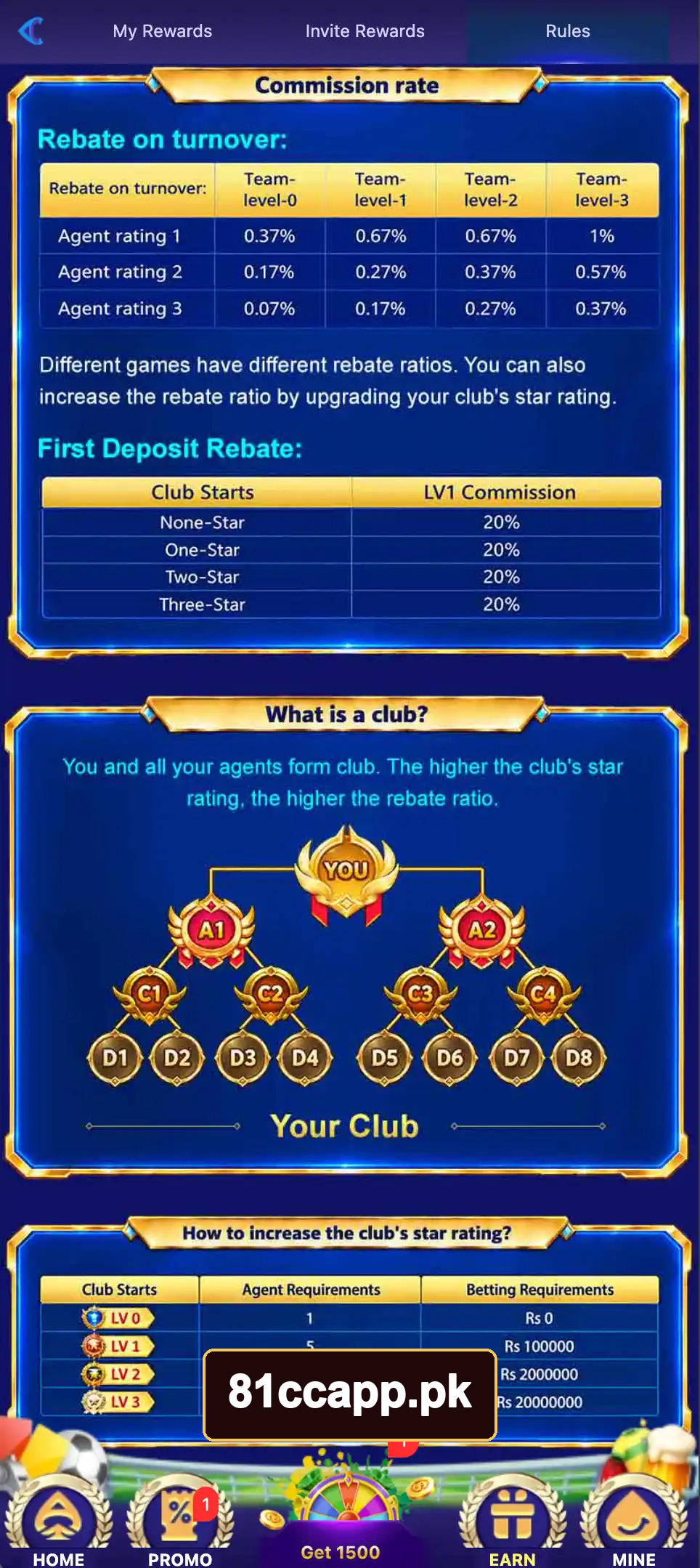
| Earn | Shows invite tools and referral rewards |
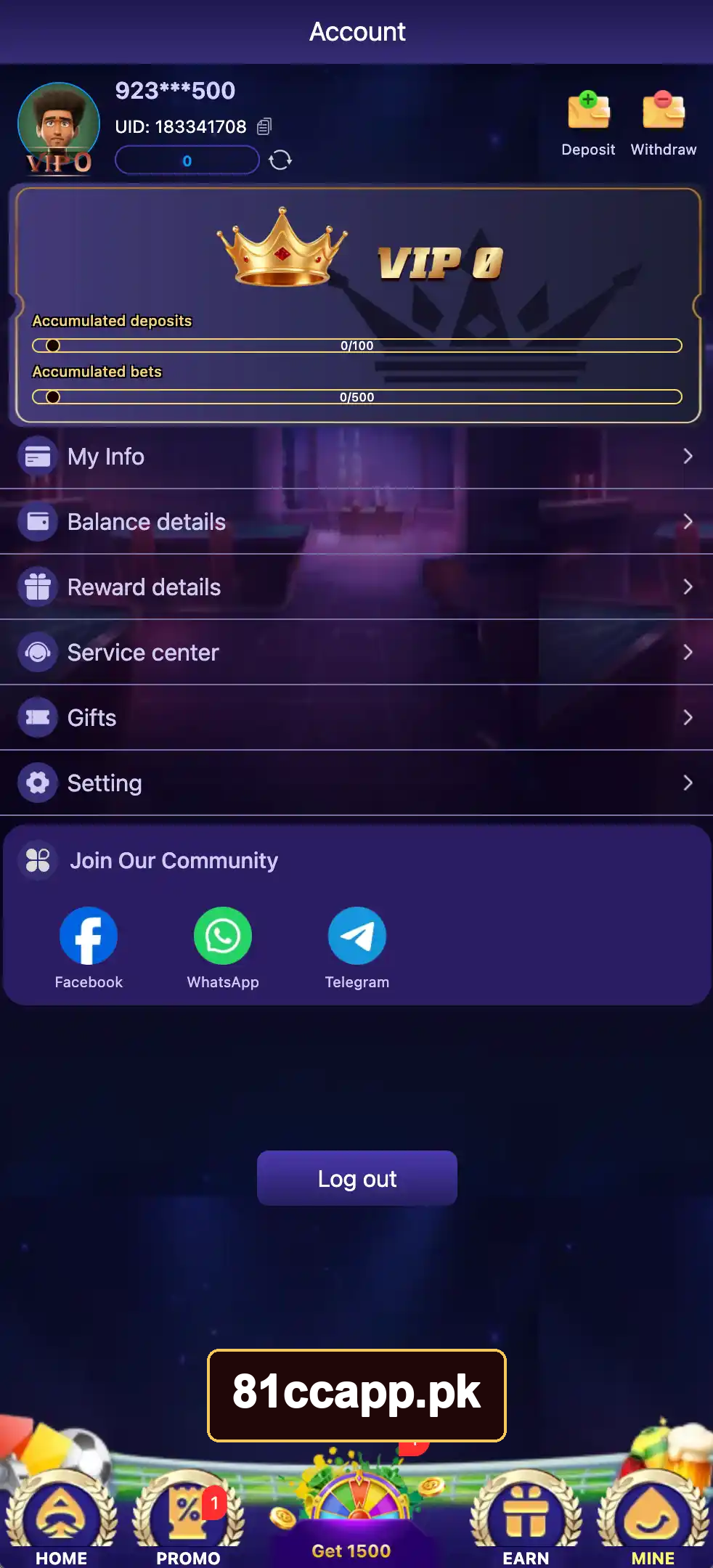
| Mine | Opens your account, records, and settings |
| Live Chat 24/7 | Opens customer support |
Account tools in one place
Open Mine to find My Info, Balance details, Reward details, Service center, Gifts, and Setting. These tools help you check account details without searching through the game list.
Local payment options
81CC Game supports JazzCash and Easypaisa. The withdrawal support includes both wallets and a bank option. Amounts use Pakistani rupees.
Game provider sections
The lobby offers provider sections such as JILI, PG Soft, Evolution Gaming, and SPRIBE. You can browse these sections as well as the main game categories.
Games Available on 81CC
The game library includes quick rounds, slot titles, fishing games, and casino games. Start with a title whose rules you understand.
| Aviator | A crash game with a rising multiplier and a cash-out choice |
| Chicken Road 2 | A chicken-themed game in the Hot list |
| Chicken Dash | Another chicken-themed title in the lobby |
| Tower Rush | A tower-themed game |
| Super Ace | A slot title |
| Money Coming | A slot title with a money theme |
| Fortune Garuda 500 | A themed slot game |
| Dragon & Tiger | A JILI title in the game list |
| Frog Jump | A frog-themed game |
| Jackpot Fishing | A fishing title |
| Wild Bounty Showdown | A western-themed slot game |
The lobby also includes sports sections such as 9wicket and Saba Sports. Use Expand beneath a game group to reveal more titles.
Responsible gaming disclaimer: Read the rules inside each game before placing a bet. Games use different controls, bet sizes, and payout rules.
Bonuses and Rewards
81CC groups its offers under Promo. Open an offer to read its tasks, claim rules, and end date before taking part.
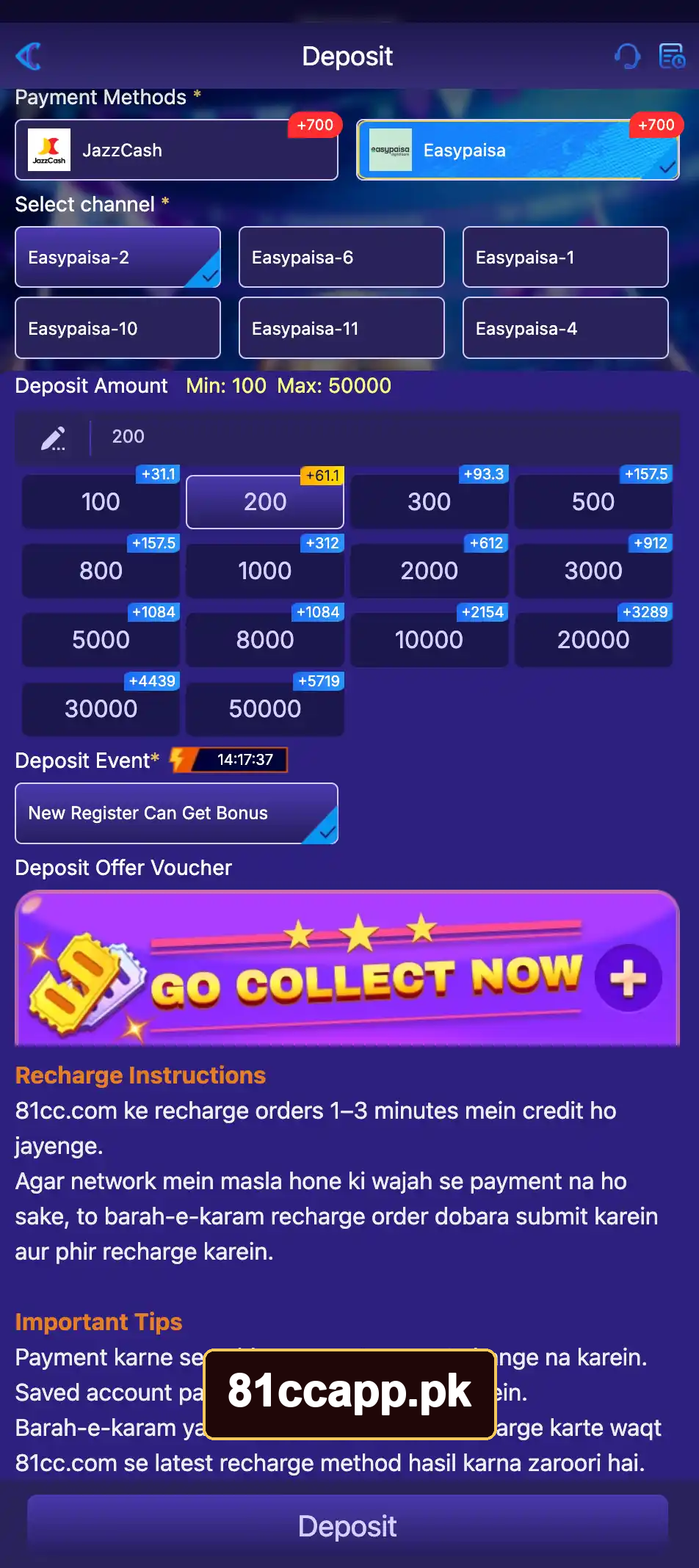
| New Register Can Get Bonus | First-deposit bonus of 30%, up to Rs 5,019 |
| Daily First Deposit Bonus | Up to Rs 1,888 |
| Daily Check-In | Up to Rs 79 |
| Daily Loss Rebate | Up to 8% |
| Weekly Loss Rebate | Up to 25% |
| Invite Treasure Box | Rs 588 offer with deposit and betting tasks |
| Get Rs 1500 | An invite challenge with tasks to complete |
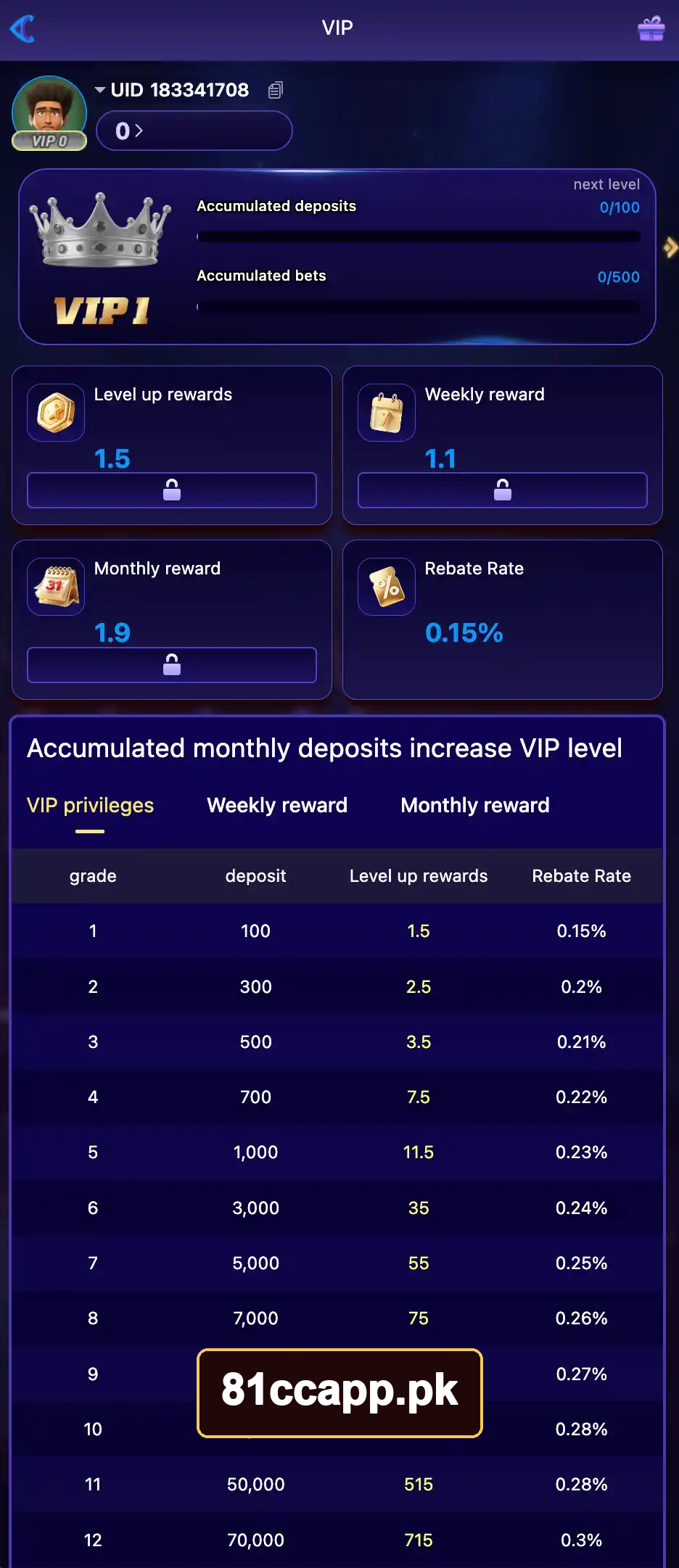
| VIP Rewards | Rewards linked to VIP progress |
The platform also offers a Lucky Wheel, deposit rewards, and leaderboard offers.
An offer’s top amount is a limit, not a payment for every user. Bonus rules control who qualifies and when funds become available. Cashback returns only part of an eligible loss.
Use Unclaimed to check rewards that still need attention. Open Mine → Reward details to review reward records.
Register, Log In, Deposit, and Withdraw
81CC keeps these account actions close to the lobby. Create an account first, then use the wallet tools as needed.
Register an account
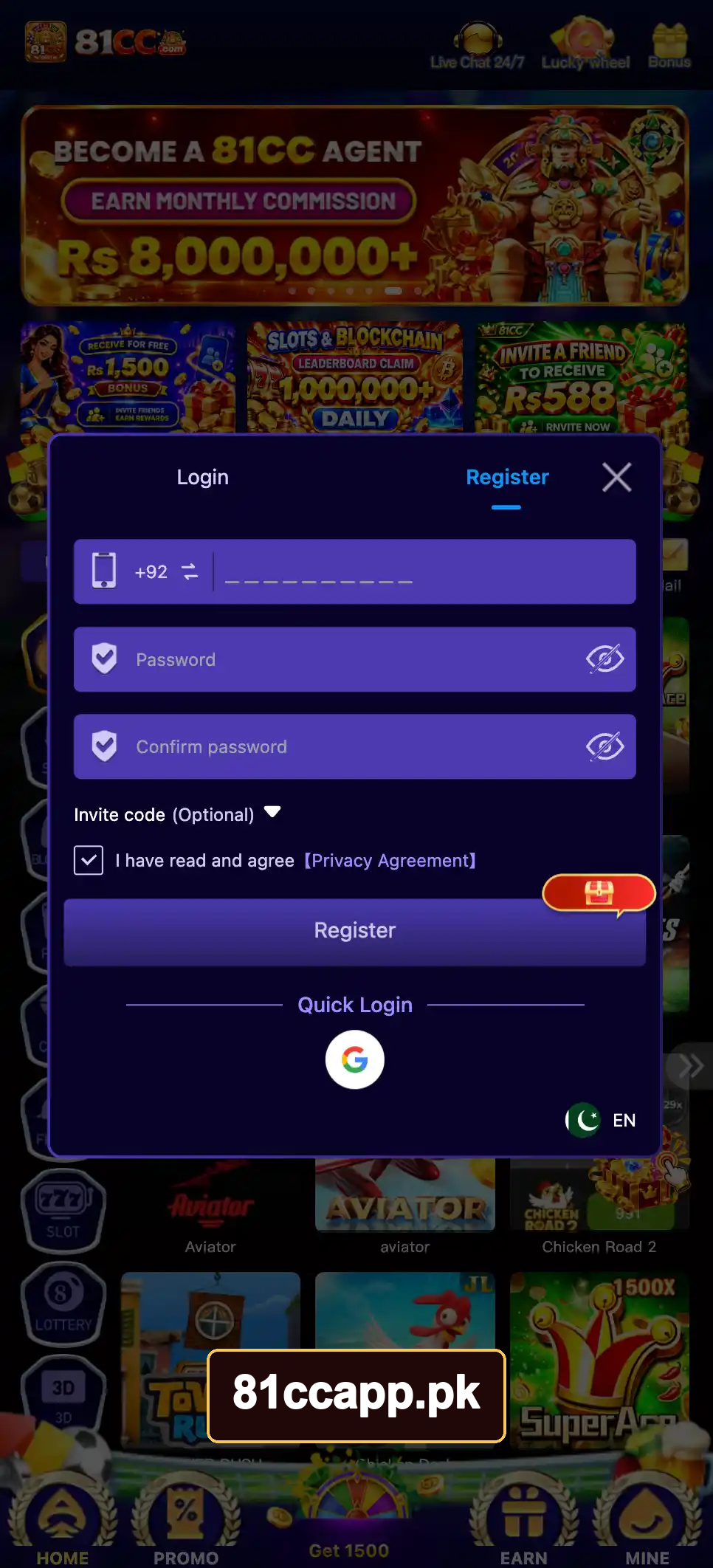
Tap Register. Enter your phone number beside +92, create a password, and enter it again. The invite code is optional. Read the Privacy Agreement, accept it, and submit the form.
Log in
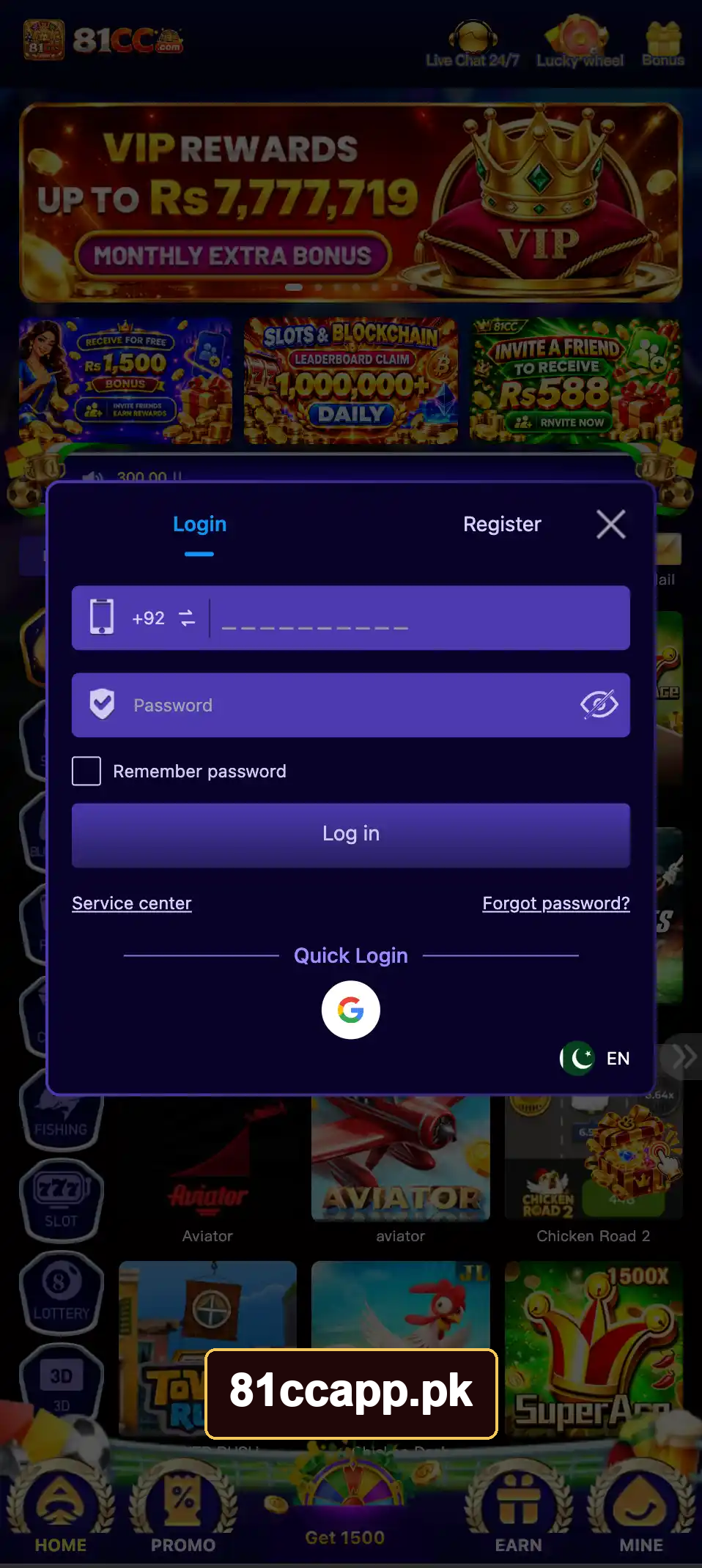
Tap Log in and enter your registered phone number and password. The form also includes Forgot password? and Google Quick Login.
Add funds
Choose Deposit, select JazzCash or Easypaisa, and pick a payment channel. Enter an amount from Rs 100 to Rs 50,000, then follow the payment steps.
Request a withdrawal
Choose Withdraw, link your wallet or bank account, and check your Available balance. Enter an amount from Rs 100 to Rs 50,000 and submit the request.
Use 81CC on iPhone or PC
81CC also supports browser access. This lets you open your account on another device without starting over.
iPhone and iPad access
Open the website in Safari. The download menu includes WEB APP and App. Add the web version to your Home Screen for quicker use.
Computer access
Open the website in your computer’s browser and sign in. An Android emulator provides another route for running the APK on a computer, though emulator use lacks official support.
Simple Tips for New Players
A few habits make 81CC easier to use and help you keep track of your spending. Focus on learning the controls before moving between many games.
- Read the rules before your first round.
- Set a spending limit before adding funds.
- Keep your game password separate from your wallet PIN.
- Review bonus terms before accepting an offer.
- Check Balance details after a payment.
- Take breaks and stop when you reach your limit.
- Avoid raising your bets to recover a loss.
- Use the Service center for account or payment issues.
Pros and Cons
81CC combines many games and account tools in one place. Its main limits involve internet access, APK upkeep, and the risks of paid play.
| Several game categories in one account | Online access needs a stable connection |
| Small Android download | APK updates need manual attention |
| JazzCash and Easypaisa options | Payments can face delays |
| Browser access on phones and computers | Performance varies by device |
| Clear account and reward menus | Bonus rules add steps before withdrawal |
| 24/7 support access | Real-money games can cause losses |
Frequently Asked Questions
These answers cover common questions about downloading 81CC and starting an account.
Is 81CC free to download?
Yes. The Android download and account signup are free. Paid play uses money from your wallet.
Can I download 81CC from Google Play?
81CC uses a direct APK download outside Google Play. Visit 81ccapp.pk to get the official APK.
Can I play offline?
No. Account access, online games, and payments need an internet connection.
Does 81CC guarantee earnings?
No. Game results and referral rewards do not provide a fixed income. Real-money play can reduce your balance.
Where can I find promo codes?
Use the official social links inside Service center. Read each code’s rules and expiry date before using it.
How do I update the Android app?
Check your installed version under the app’s settings or About area. Download the newer APK from the download page and follow the installation steps. Keep your login details before making changes.